
Near Field Communication (NFC) tags are small but powerful tools that help businesses connect the physical world with the digital one. With a simple tap of a smartphone, NFC tags can open websites, share contact details, trigger actions, or automate tasks.
At WAT 3D Printing Services, we don’t just sell NFC tags — we design, 3D print, customise, brand, and configure them for your company, all in one place.
👉 Shop now: https://shop.wat3d.co.uk
What Is an NFC Tag?
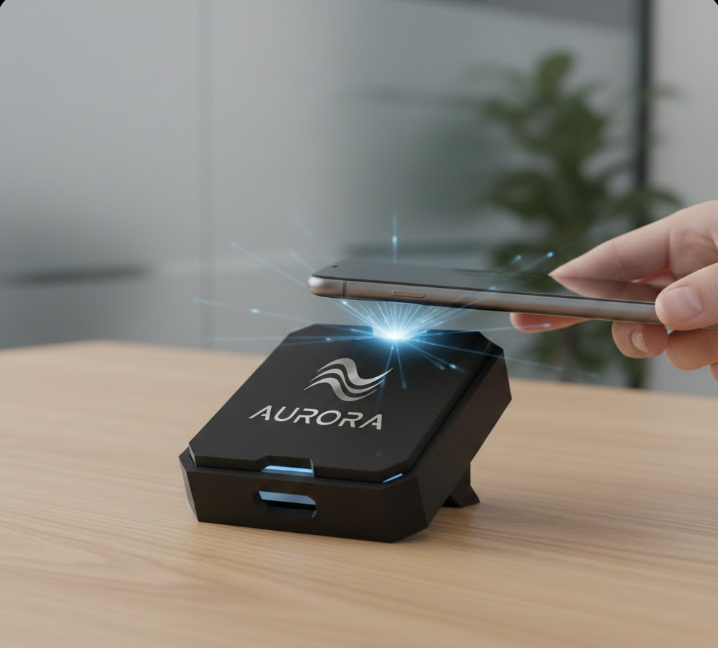
An NFC tag is a tiny chip with an antenna that stores information. When a compatible smartphone is placed close to it, the phone instantly reads the data and performs an action — no batteries, no pairing, no apps required for basic use.
Common uses include:
- Opening a website or landing page
- Sharing digital business cards
- Linking to Google Reviews
- Product authentication
- Smart automation (Wi‑Fi, Bluetooth, smart home)
- Event check‑ins and access control
How Businesses Use NFC Tags
NFC tags are extremely flexible. Here are some popular business use cases:
- Marketing & Branding – Tap to open your website, portfolio, or social media
- Retail & Packaging – Product information, manuals, or authenticity checks
- Hospitality – Menus, Wi‑Fi access, and feedback links
- Offices & Teams – Smart desk automation or digital ID cards
- Events – Contactless information sharing and registrations
With custom 3D‑printed housings and your logo added, NFC tags become a professional branded product — not just a chip.
Which App Should You Use to Program NFC Tags?
Most modern smartphones already support NFC.
Android (Recommended Apps)
- NFC Tools (Free / Pro) – Easy, powerful, and beginner‑friendly
- NXP TagWriter – Official app from NFC chip manufacturer
iPhone (iOS)
- Shortcuts App (Built‑in) – For automations
- NFC Tools for iOS – Best all‑round option
📱 iPhone XS and newer models support background NFC scanning.
How to Set Up Your NFC Tag (Step‑by‑Step)
Step 1: Install an NFC App
Download NFC Tools from the App Store or Google Play.
Step 2: Choose What the Tag Will Do
Examples:
- Open a website URL
- Share contact details (vCard)
- Open a Google Review page
- Connect to Wi‑Fi
Step 3: Write the Tag
- Open the app
- Select Write
- Choose your action
- Tap your phone on the NFC tag
Step 4: Test It
Lock your phone, tap the tag, and confirm it works instantly.
That’s it — your NFC tag is live.
Fully Customised NFC Tags by WAT 3D Printing Services
This is where WAT 3D Printing Services stands out.
We offer complete end‑to‑end NFC solutions for businesses:
- ✔️ High‑quality NFC chips
- ✔️ Custom 3D‑printed cases
- ✔️ Your logo, text, or QR code added
- ✔️ Multiple shapes, colors, and finishes
- ✔️ Pre‑programmed and ready to use
- ✔️ Small batches or bulk orders
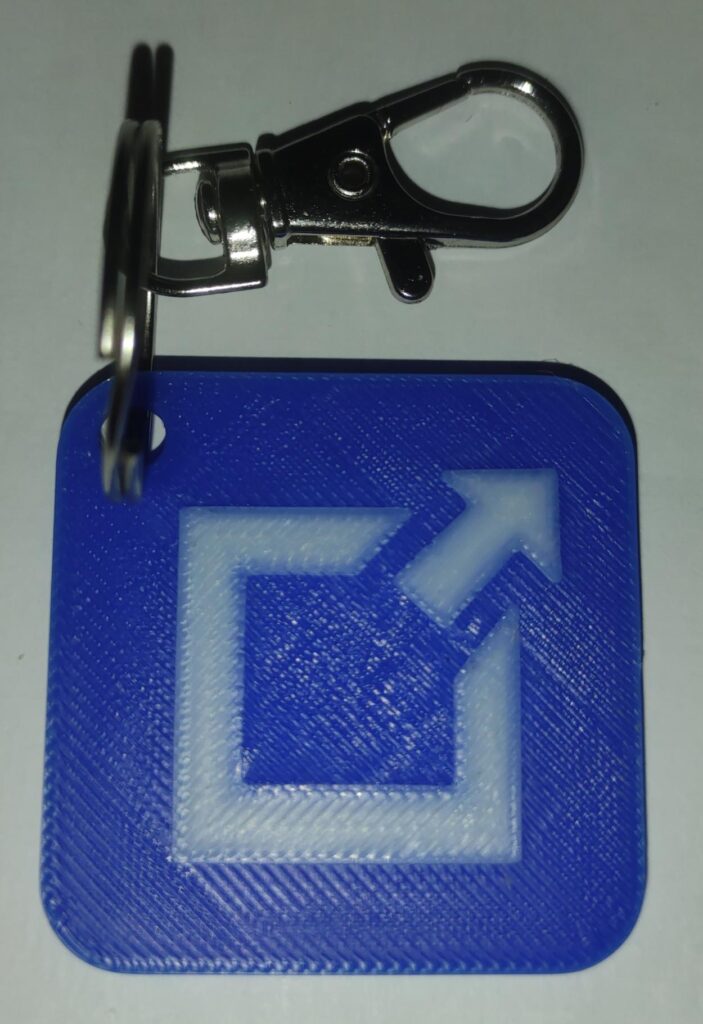
You tell us what you want the NFC tag to do — we print it, brand it, and configure it for you.
Perfect for:
- Branded NFC keyrings
- NFC business cards
- NFC desk stands
- NFC wall tags
- Custom product inserts
Product Details
- Technology: NFC (Near Field Communication)
- Compatibility: Android & iOS
- Read Distance: 0–4 cm
- Material: Custom 3D‑printed PLA / PETG (other materials on request)
- Customisation: Logo, color, shape, text
- Configuration: URL, contact card, automation, or custom request
Buy Customised NFC Tags
Ready to upgrade your business with smart NFC solutions?
🛒 Buy now: https://shop.wat3d.co.uk
📩 Custom orders & bulk pricing: Available on request
Comments are closed